Holobuild docs Building
Easy Place, Auto-place and Pick block
Three helpers that place the right block, facing the right way.
Easy Place
Turn on Easy Place in Settings. Then click a ghost with anything in your hand except the wand: that ghost's block is placed from your inventory, facing the right way. One click, one block.
Blocks you place yourself in a ghost turn to face the right way too.
Auto-place with the wand
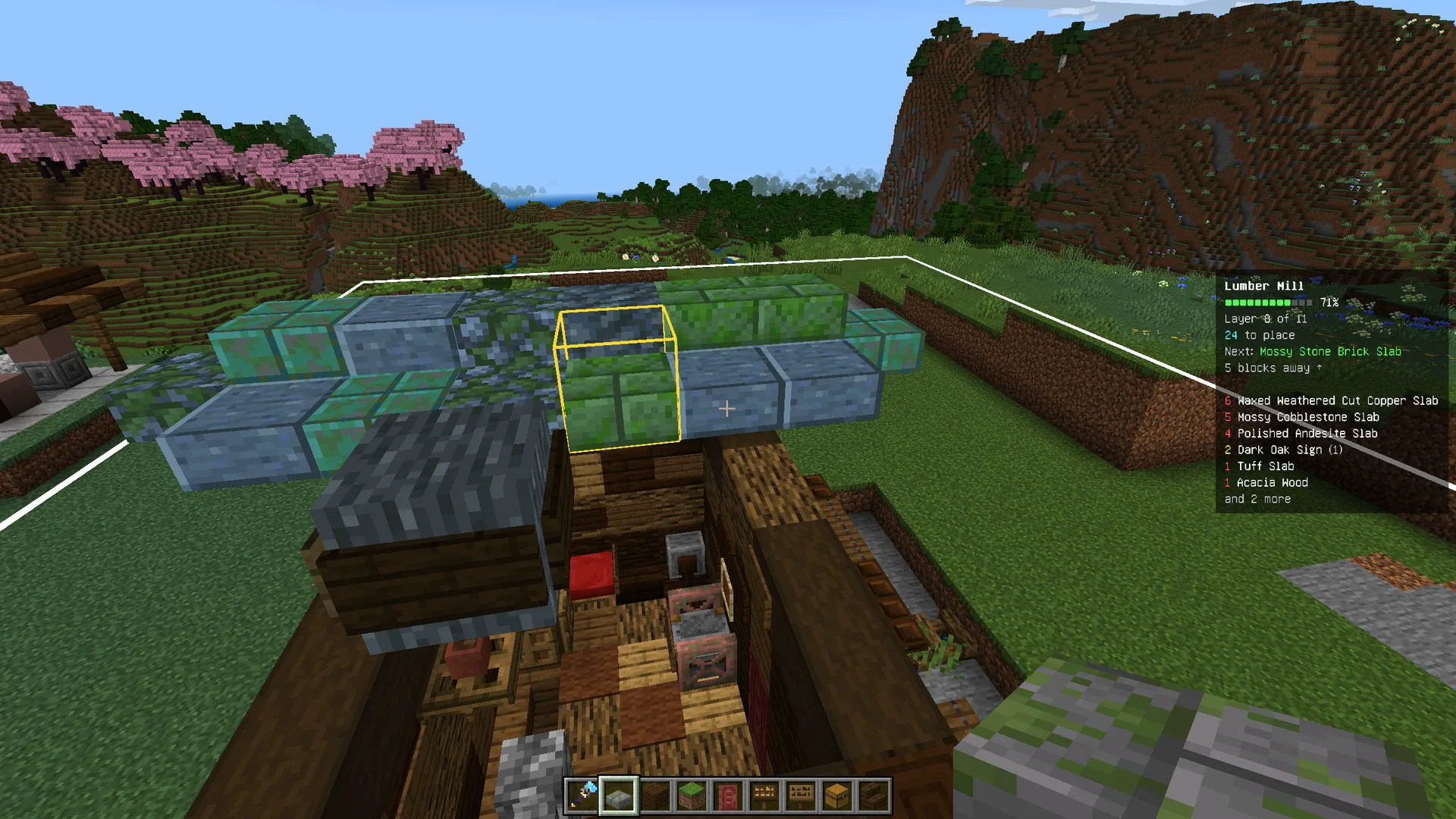
Turn on Auto-place with the wand in Settings. Then hold the wand and look at ghosts: they fill in from your inventory, a few a second, no clicking. Look along a row to fill it.
- It only works while you hold the wand.
- It only fills empty spots.
Pick block
Sneak and use the wand on a ghost: that block goes into your hand, from your inventory onto your hotbar next to the wand. Use it on a block that's already placed to get another of the same.
Where the blocks come from
- All three use the blocks in your inventory, one item for each block placed.
- Named items and shulker boxes are never used, so your special things are safe.
- In creative, nothing is used up, and Pick block gives you a stack if you have none.
- Run out? See Refill from chests.
Haven't got Holobuild yet? It's free on CurseForge, for single player, servers and Realms.
Get Holobuild