Holobuild docs Getting started
Your first build
A starter blueprint, placed and built in a few minutes.
In a few steps
- Type
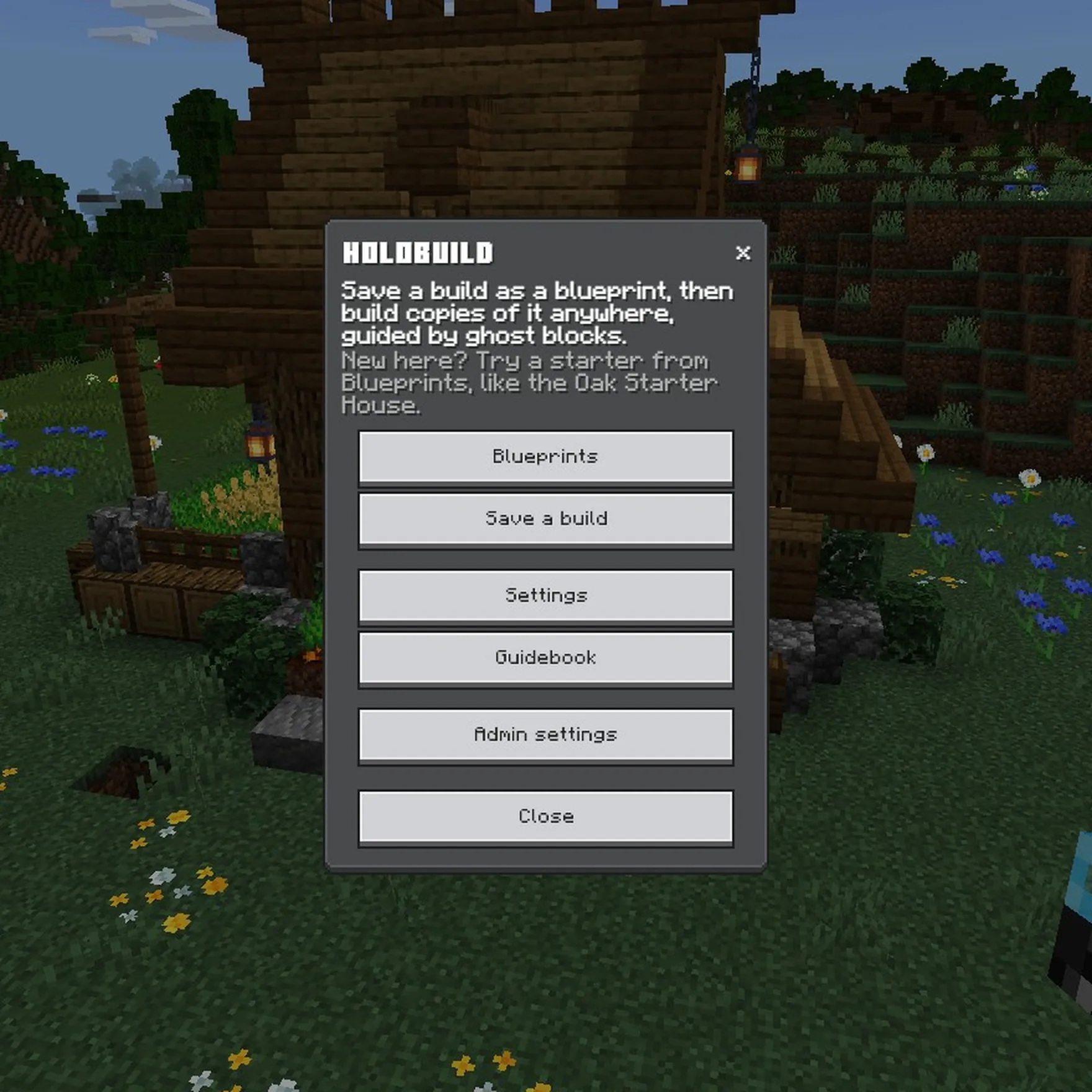
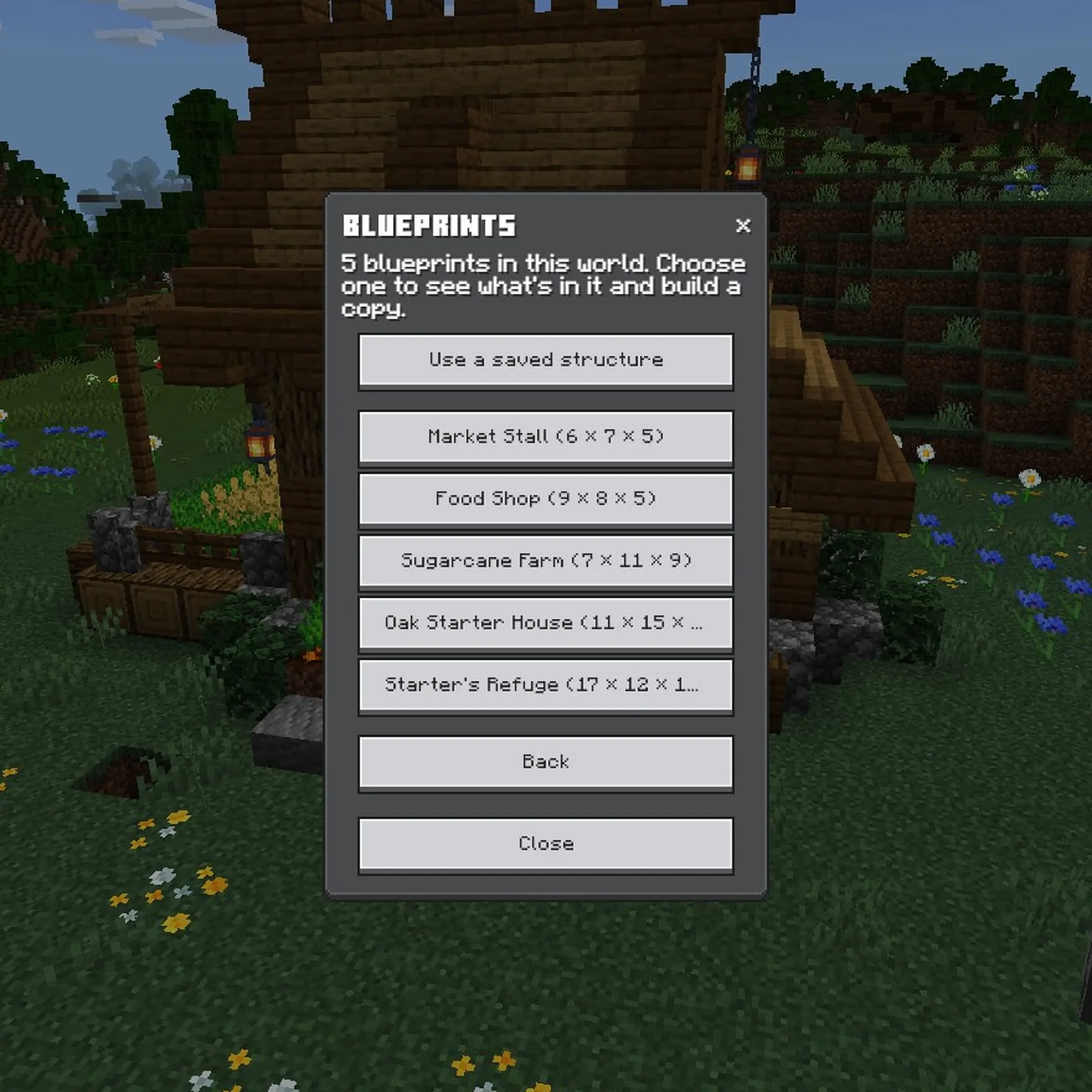
/holobuild, or use the Holo Wand in the air. The menu opens. - Choose Blueprints, then a starter: the Oak Starter House is a good first one.
- Choose Build a copy. The house appears in front of you as ghost blocks, with buttons next to it.
- Punch the arrow buttons to move it where you want it. Punch the green tick to start building. On a phone, see On a phone.
- Place a block in the ghost with the yellow outline: it's the next one. Look at any ghost, and the bar at the bottom of your screen says what goes there and which way it faces.
- When the bottom layer's done, it flashes green and the next layer appears. Keep going to the top.
The starter blueprints
Every world has five, to try Holobuild straight away: a Market Stall, a Food Shop, a Sugarcane Farm, an Oak Starter House and a Starter's Refuge, smallest first.
What next
- Save one of your own builds as a blueprint.
- Build faster with Easy Place or the Printer.
- Ask a friend to carry on the build with you.
Haven't got Holobuild yet? It's free on CurseForge, for single player, servers and Realms.
Get Holobuild