Holobuild docs Getting started
The Holo Wand
Holobuild's tool: it opens the menu, and does a few handy things on blocks.
Getting one
- Craft it from glass, a gold ingot and a stick, in a column, top to bottom.
- In creative, or as an operator, choose Get the Holo Wand on the menu.
- You don't need it to open the menu:
/holobuildworks too.
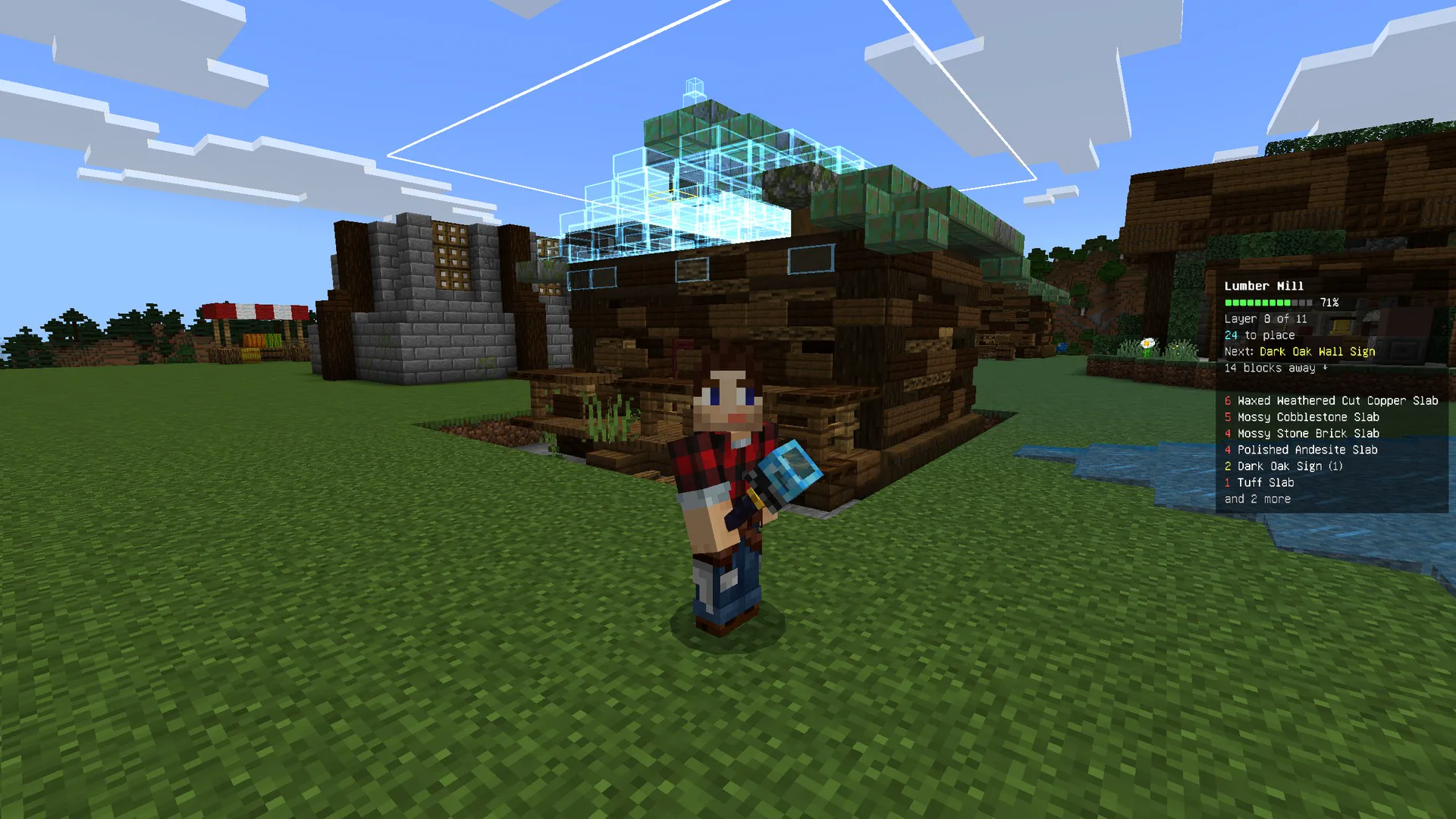
What it does
- Use it in the air: opens the menu.
- Use it while looking at a button beside a build: presses that button. On a phone, see On a phone.
- Use it on a block while saving: marks a corner of the build. See Saving a build.
- Sneak and use it on a chest: links that chest to your build, or unlinks it. See Linked chests.
- Use it on a linked chest (not sneaking): takes out what your layer still needs.
- Sneak and use it on a ghost: puts that block in your hand. See Pick block.
- Hold it with Auto-place with the wand on: the ghosts you look at fill in by themselves. See Auto-place.
- Hold it to see your linked chests, outlined in green.
Haven't got Holobuild yet? It's free on CurseForge, for single player, servers and Realms.
Get Holobuild