The ghosts
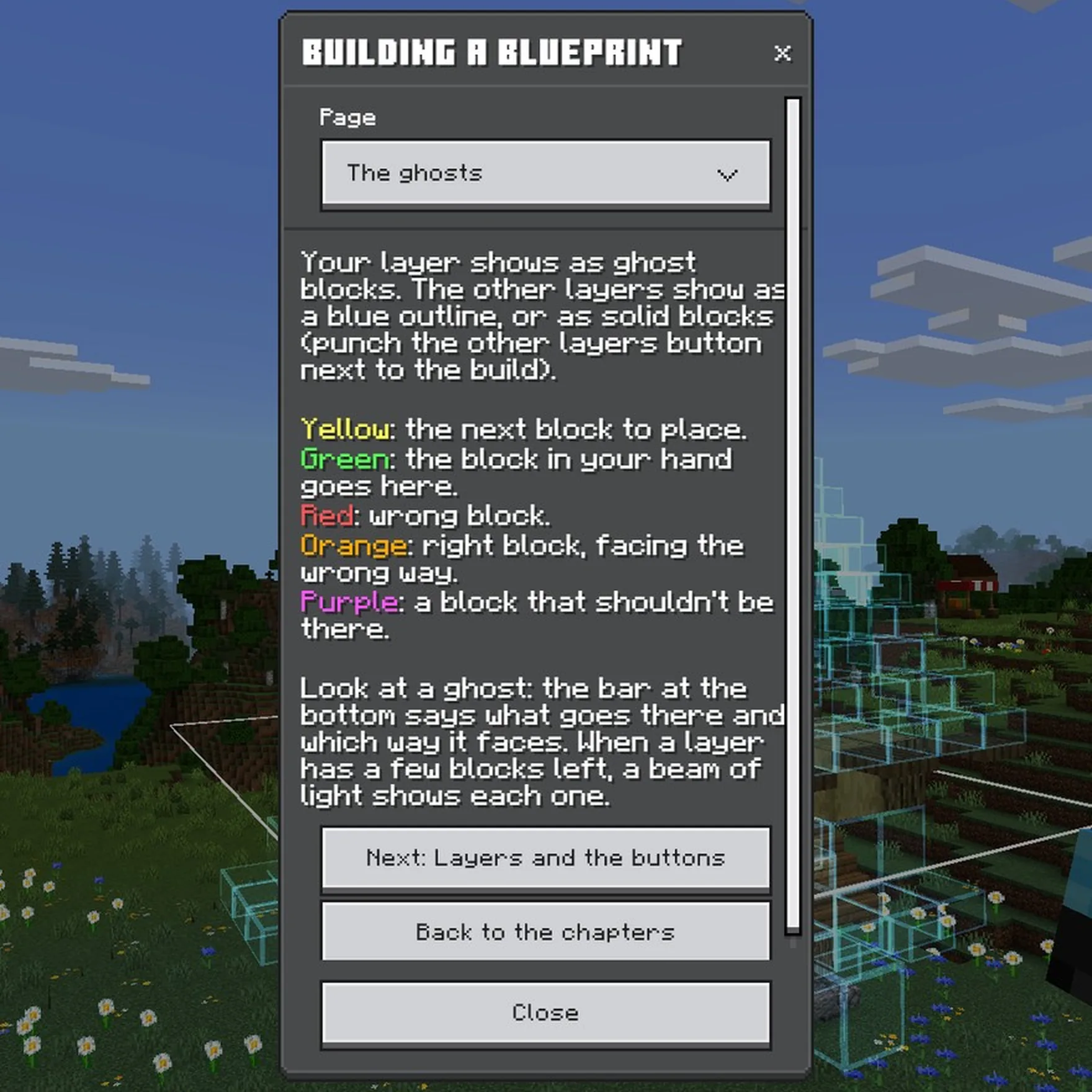
The layer you're building shows as ghost blocks: see-through blocks in their real shapes and textures, exactly where each one goes. The other layers show as a glowing blue outline, or as solid blocks if you choose (the Other layers button, see The buttons next to the build).
Near you, the outline shows blocks in their real shapes, like stairs, slabs and lanterns, and only the sides facing you.
Look at a ghost: the bar at the bottom of your screen says what goes there and which way it faces.
What the colours mean
- Yellow outline: the next block to place, the nearest one you can place now.
- Green: the block in your hand goes here.
- Red outline: the wrong block.
- Orange outline: the right block, facing the wrong way.
- Purple outline: a block that shouldn't be there.
Don't want the red, orange and purple boxes? Turn off Highlight mistakes in Settings.
When a layer has only a few blocks left, a beam of light shows each one, so you can find them from far away.

How much you see
- The Show button beside the build: just your layer, the one below too, every layer up to yours, or the whole build.
- Ghosts are drawn near you. On a big build, a higher Display quality in Settings shows more of it; a lower one helps on slower devices.
- Parts of a build that are too far away to be loaded show as "too far to check" until someone goes near.
Haven't got Holobuild yet? It's free on CurseForge, for single player, servers and Realms.
Get Holobuild